
AI automation for small business pays off when you fix revenue leaks first: missed calls, slow lead follow-up, and manual scheduling. Start with three workflows tied to money in the door. According to the U.S. Chamber of Commerce, 58% of small businesses used generative AI in 2025, up from 40% in 2024. The gap between SMB and enterprise adoption is closing fast. Your job is picking the automations that return hours and dollars, not chasing every new tool.
How Can a Small Business Use AI Automation?

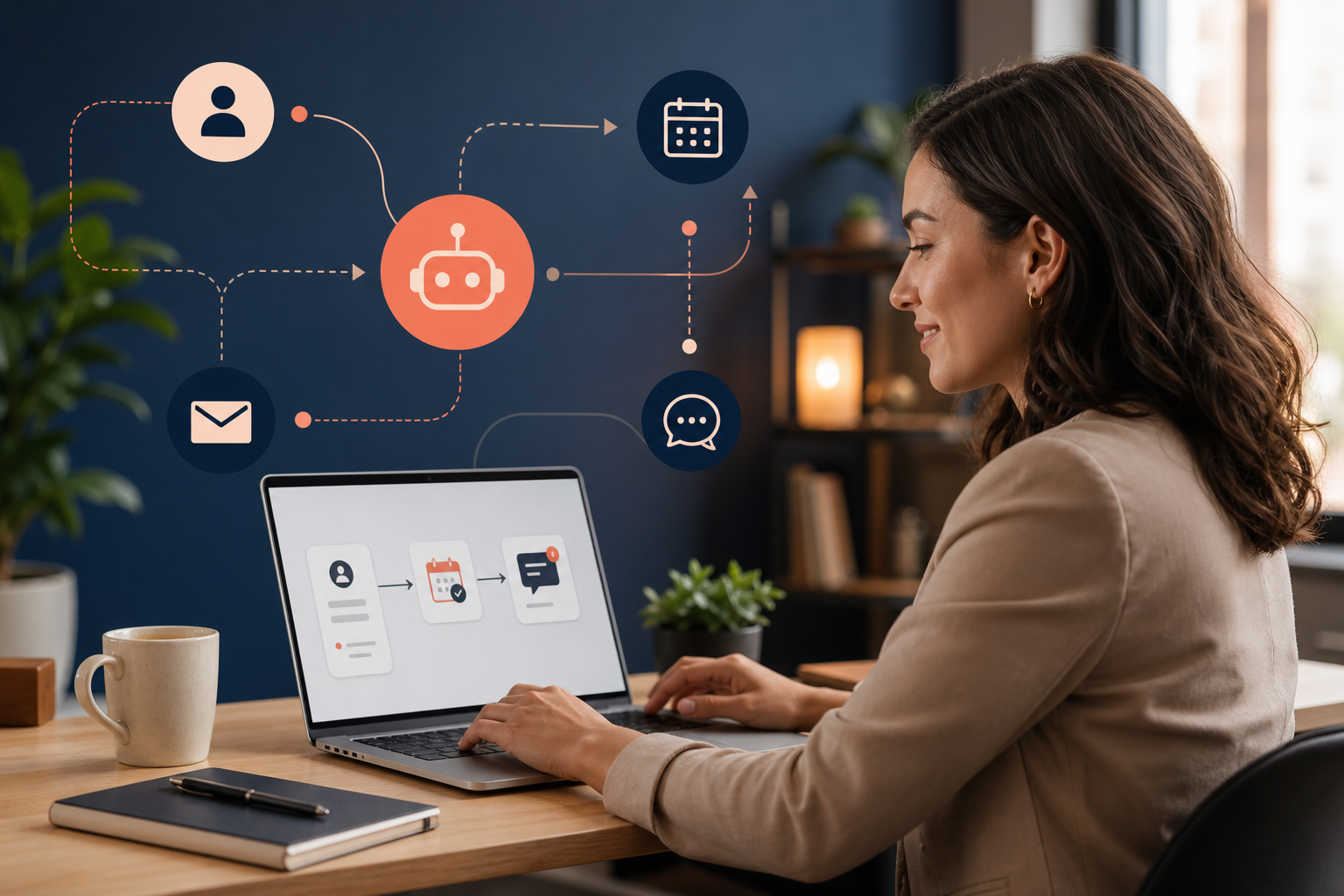
You connect the tools you already run (CRM, calendar, phone, email) and let software handle repeatable steps. A lead fills out a form. The system scores them, routes them to the right rep, and books a call if they qualify. That is business process automation with AI in the middle for judgment calls like reply tone or call routing. You do not need a data science team. You need a clear workflow and a platform like n8n automation, Make, or a custom stack I build for clients who have outgrown templates.
I have spent 13 years in sales and marketing and the last two years shipping AI workflows for SMBs in Dallas-Fort Worth and beyond. The pattern is the same every time. Owners know they are losing deals to slow response times. They want AI to fix it. The win comes from mapping one process end to end, measuring before and after, then adding the next workflow. Skip the enterprise RPA platforms. Skip model training. This is about time savings and revenue, not research projects.
Five steps I use to launch a first AI workflow
Do not try to automate the whole company in week one. This is the sequence I walk clients through on every project.
- Name one metric. Response time, booked appointments, recovered missed calls. If you cannot measure it today, fix that before you buy software.
- Shadow the real process. Not the SOP from 2019. What your team actually does when a lead comes in on a busy Tuesday.
- Cut waste. Delete duplicate data entry and steps that only exist because two systems do not talk.
- Build the happy path. One trigger, one outcome, clear error handling. Test with fake data until it is boring.
- Run parallel for two weeks. Compare numbers. Then turn off the manual version.
My background includes military intelligence work and QA for a high-tech company. That trained me to document flows under pressure. SMB owners do not need that training. They need someone who has done it before to shorten the learning curve.
What Can I Actually Automate with AI?

Rank these by ROI. I have seen this order hold across service businesses, local contractors, and B2B shops with small teams.
- Lead capture and instant follow-up. Form submit triggers SMS, email, and CRM entry in under 60 seconds. Speed-to-lead is still the cheapest growth lever most SMBs ignore.
- Appointment booking. AI reads calendar availability, offers slots, sends reminders, and handles reschedules. No more phone tag.
- Missed-call and after-hours response. Voice agents from DialWise AI voice agents answer, qualify, and book while you are on a job site or in a meeting.
- Customer service triage. Chat or email bots answer FAQs, collect details, and escalate only what needs a human. Good for warranty questions, order status, and scheduling.
- Proposal and quote prep. Pull CRM data, apply your pricing rules, generate a draft document. A human still reviews before send.
- Internal reporting. Weekly pipeline snapshots, ad spend summaries, inventory alerts. Boring work that eats Friday afternoons.
- Content repurposing. Turn a sales call transcript into follow-up emails or social posts. Useful, but lower priority than revenue workflows.
For the local adoption picture, read how Dallas small businesses are using AI in 2026. DFW owners are past the drafting phase and into revenue workflows.
Is AI Automation Worth It for a Small Business?

Yes, when you tie automation to a metric you already track. Salesforce SMB Trends data shows 91% of SMBs using AI report revenue increases. The SBA Office of Advocacy found the adoption gap between small firms and large enterprises shrank from 1.8x to 1.2x between 2024 and 2025. Small businesses are catching up because the tools got cheaper and the use cases got obvious.
On DialWise deployments I have measured missed-call recovery rates above 70% for local service companies. One client went from returning voicemails the next morning to booking estimates on the first ring. That is ROI on AI you can explain to a skeptical partner in one sentence.
It is not worth it when you automate for novelty. Building a chatbot that nobody asked for, with no connection to your CRM, creates a monthly bill and zero pipeline. Measure hours saved or deals recovered. If you cannot name the number, wait.
Think in payback period, not hype cycle. A $400/month stack that saves 20 hours of admin time at $25/hour already breaks even before you count a single extra closed deal. Add one recovered job from an after-hours call and you are in the green. That math is why adoption is accelerating. The SBA data shows small firms are only 1.2x behind large enterprises now. The barrier is no longer technology. It is prioritization.
Best AI Automation for Small Business: What to Pick First
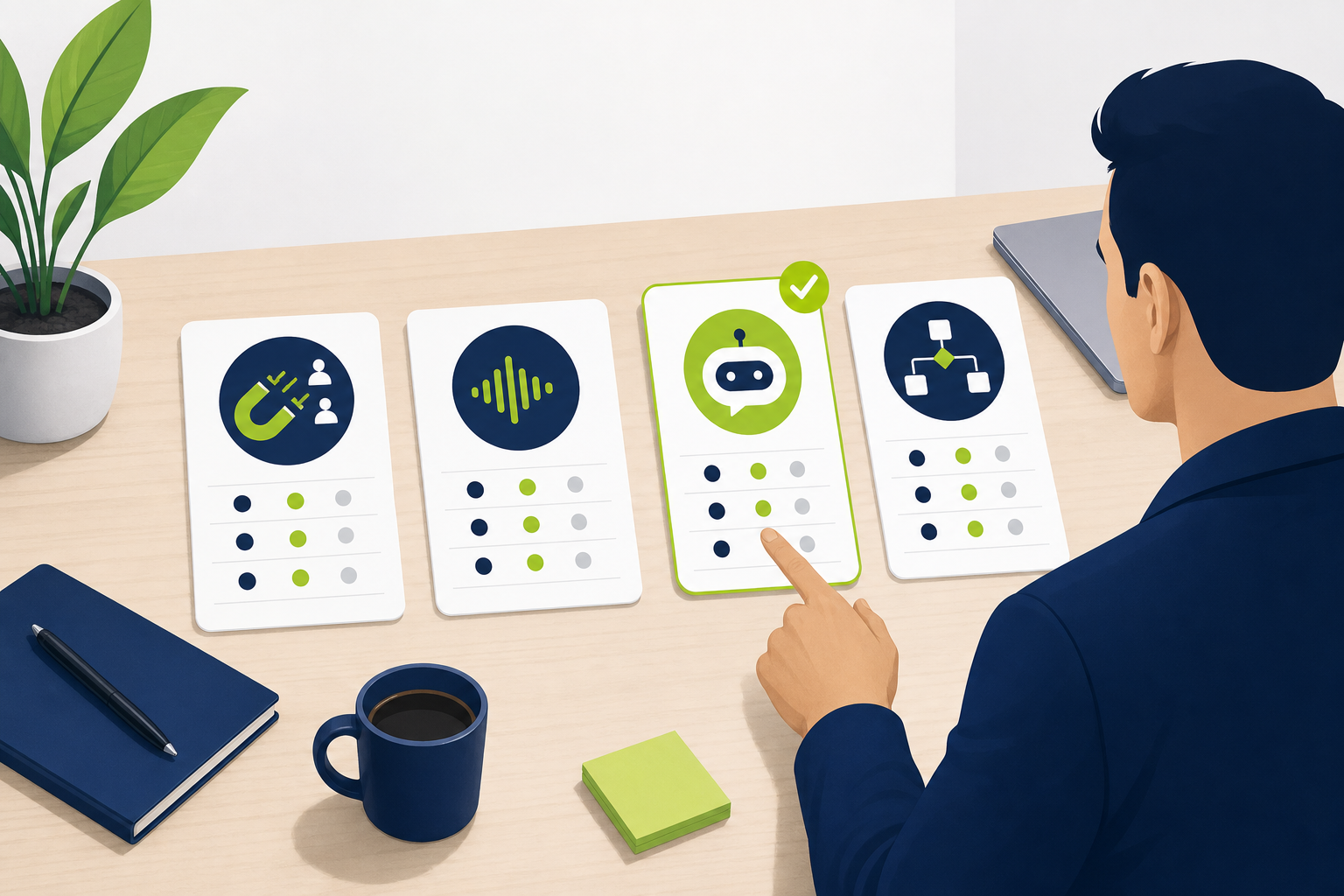
Use this table when you are deciding between build options. I use it in discovery calls so owners see tradeoffs in one glance.
| Automation type | Best for | Typical setup time | ROI signal |
|---|---|---|---|
| Lead capture + follow-up | Any business with inbound leads | 1–2 weeks | Response time under 5 minutes |
| Appointment booking | Service, health, professional services | 1–3 weeks | Fewer no-shows, more booked calls |
| AI voice agent | High call volume, after-hours demand | 2–4 weeks | Recovered missed calls, booked jobs |
| Customer service bot | Repeat questions, support inbox overload | 2–3 weeks | Ticket deflection rate |
| n8n / Make workflows | Multi-tool stacks, custom logic | 1–4 weeks | Hours removed from weekly ops |
| Custom AI agent | Proprietary process, compliance needs | 4–8+ weeks | Process cost per unit drops |
Most SMBs should land in the first three rows before they fund anything custom. You can always graduate. You cannot easily un-spend a six-figure platform you did not need.
How Much Does AI Automation Cost for SMBs?
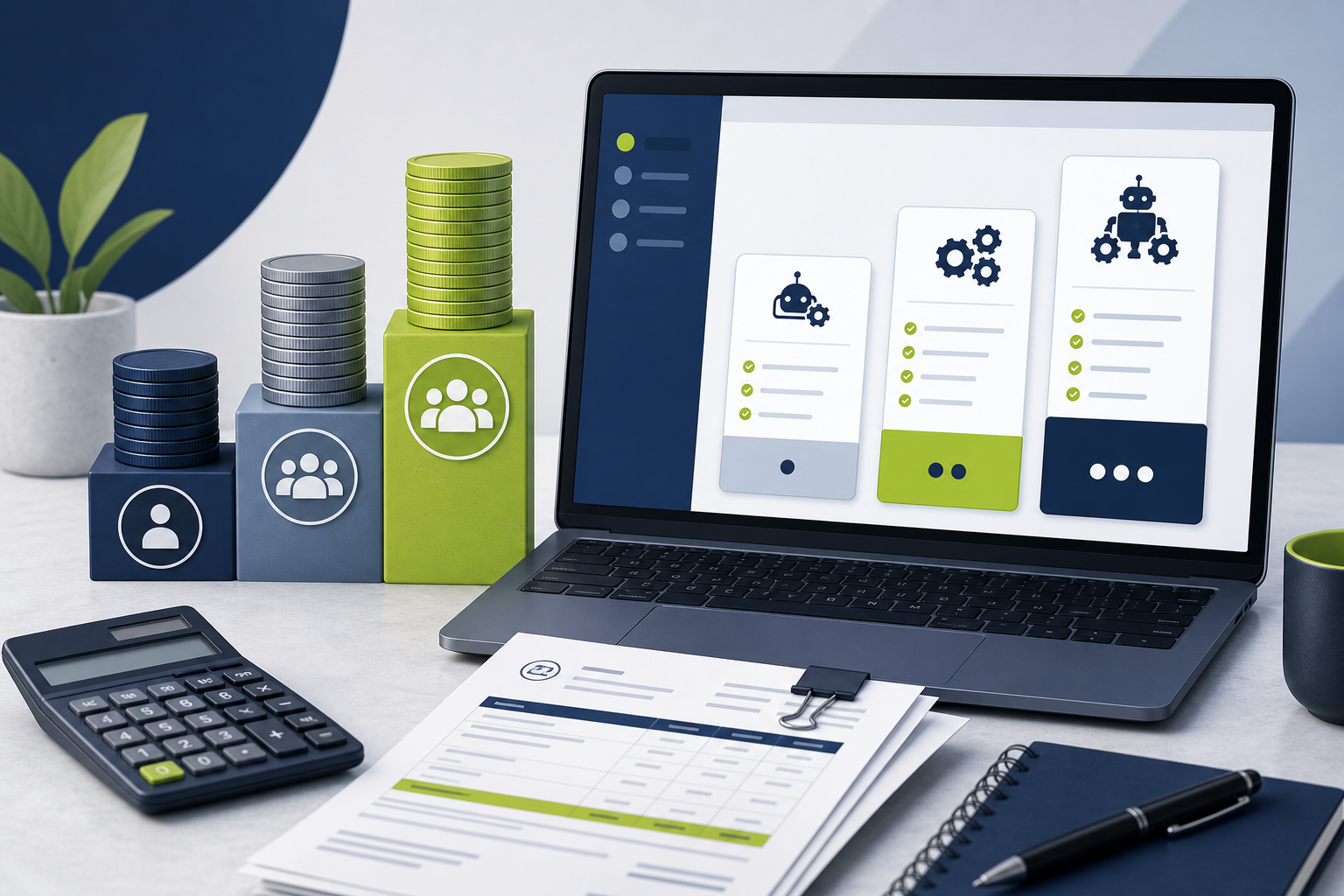
Budget in tiers. These are 2026 ranges from projects I scope for teams under 50 people.
- DIY no-code (Zapier, Make, native CRM automations): $50–$300/month in software plus your time. Fine for one or two simple flows.
- Guided n8n automation build: $2,000–$8,000 setup, $100–$400/month hosting and APIs. Sweet spot for multi-step AI workflows.
- Voice AI (DialWise-class deployment): $3,000–$15,000 setup depending on call volume and integrations, plus usage fees. Pays back when one recovered job covers the month.
- Full custom stack with my AI automation services: $10,000–$40,000+ for discovery, build, testing, and handoff. Justified when off-the-shelf tools cannot match your process or compliance rules.
Hidden cost: maintenance. APIs change. Prompts drift. Plan 2–5 hours a month for tweaks, or pay someone who does this for a living. That is cheaper than a full-time hire and faster than learning n8n from YouTube at midnight.
Software line items you should expect on top of build fees: CRM seats, SMS credits, voice minutes, LLM API usage, and workflow hosting. A typical active SMB stack lands around $150–$600/month after launch. Enterprise RPA quotes start where that range ends. That price gap is why I steer owners toward lightweight AI workflows first.
AI Workflow Automation Examples That Work in the Real World
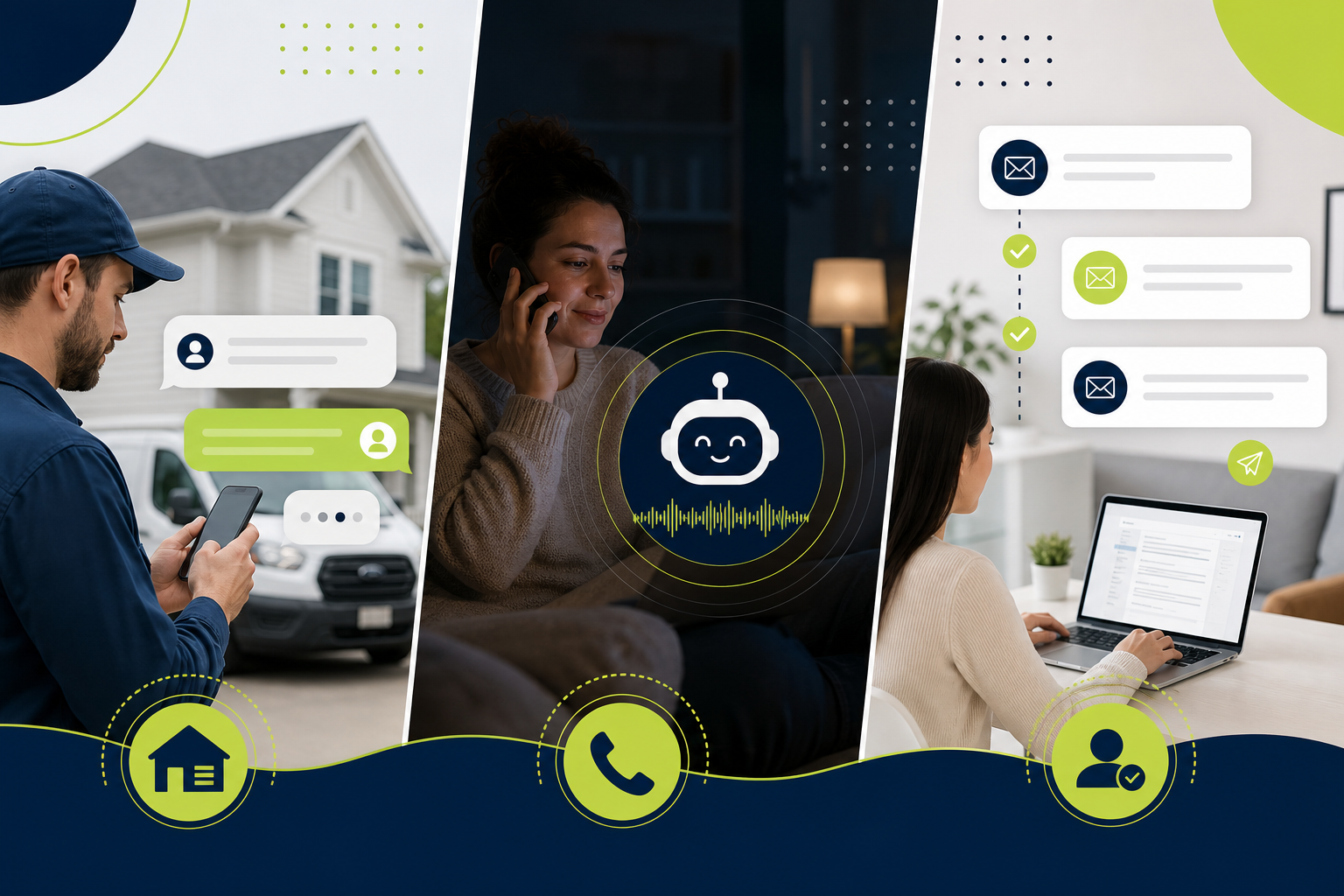
Abstract advice is useless without patterns. Here are three I deploy often.
Example 1: Speed-to-lead for a home services company
Trigger: Facebook lead form or website form. Steps: validate phone, send SMS within 30 seconds, create CRM contact, notify dispatcher on Slack, if no reply in 10 minutes send a second touch. AI handles message variation so it does not feel robotic. Result: response time dropped from hours to under a minute. More estimates booked same day.
Example 2: After-hours voice agent
Trigger: inbound call when office is closed. Steps: AI answers with business-specific script, captures job type and zip code, checks service area, offers next available appointment, syncs to Google Calendar and CRM. Human gets a summary text. This is the core DialWise play. Owners stop losing emergency calls to voicemail.
Example 3: Post-sale onboarding sequence
Trigger: deal marked closed-won in CRM. Steps: welcome email, document request link, internal task for account manager, day-3 check-in SMS, day-7 NPS survey. AI drafts personalized copy from deal notes. Human approves the first version, then automation runs. Churn drops when customers feel attended to in week one.
See real client results for before-and-after numbers on similar builds.
What Small Business AI Automation Is Not
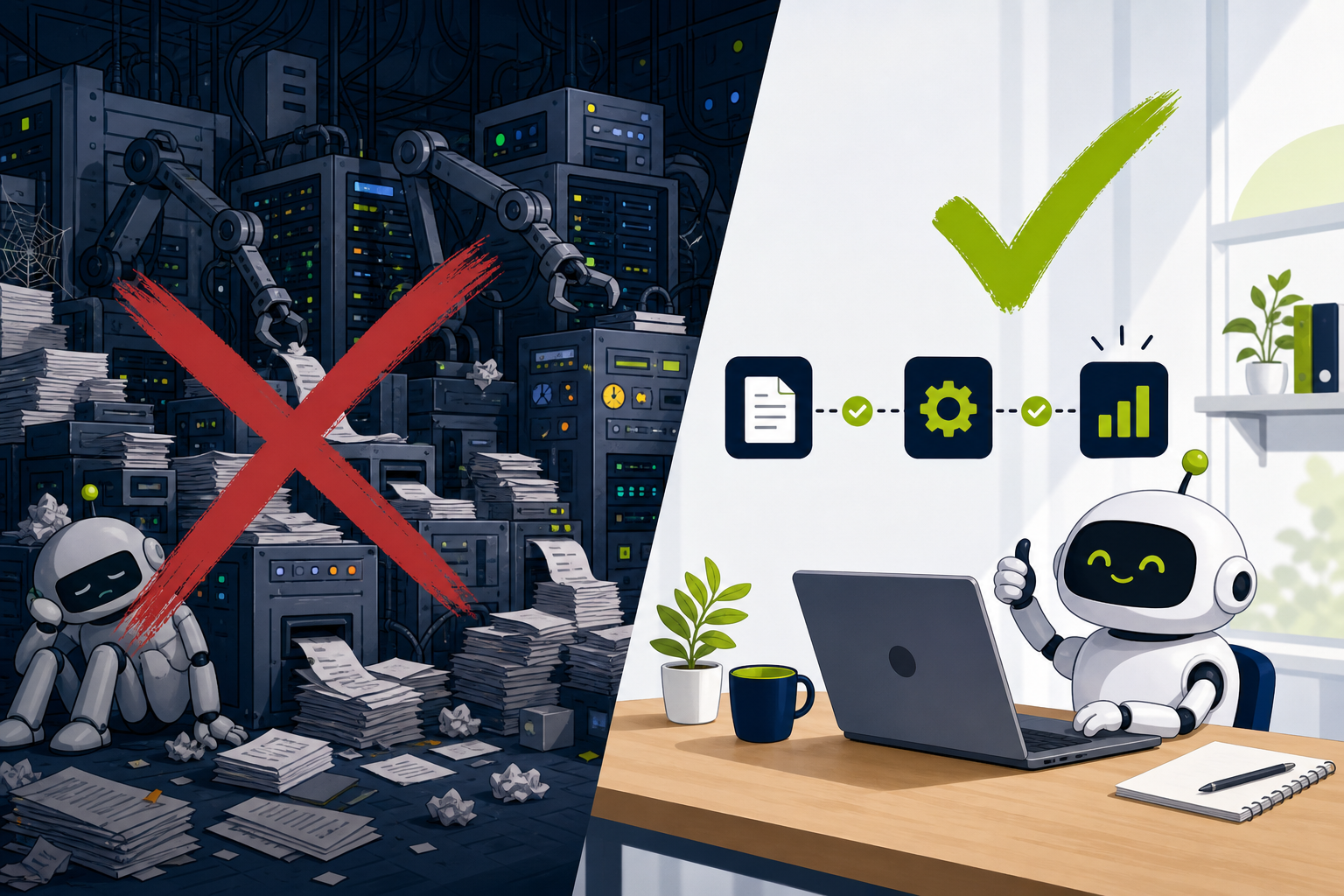
Let me be direct about what this guide leaves out. I am not covering machine learning model training, AI coding tutorials, or strategies to replace your whole team. Those are different conversations for different budgets.
Enterprise RPA platforms with six-figure licenses make sense for Fortune 500 process factories. A 12-person HVAC company does not need one. Neither does a regional B2B distributor with one overloaded office manager. Buying above your complexity level is the fastest way to hate automation.
Also skip shiny distractions: AI stock pickers, AI art generators, generic chatbots floating on your homepage with no backend. None of those improve customer service automation tied to revenue. Build the boring stuff first. Boring pays the bills.
The Hard Part Is Mapping It to Your Business

Lists are easy. Your business is specific. Which CRM fields matter? Who owns the handoff when the bot escalates? What happens when the API is down? That mapping work is where most owners stall for months. They buy tools, connect two apps, hit an edge case, and quit.
Here is what stalls them most. Sales and ops speak different languages about the same lead. Nobody agrees on what "qualified" means. Calendar rules have exceptions for holidays, travel, and one tech who only works Tuesdays. Compliance needs a human in the loop for certain industries. AI can still run 80% of the flow. You have to design the 20% upfront instead of discovering it in production.
I run a short discovery process before writing logic. We name the metric, draw the current state, cut steps that exist only because of old software, then automate the lean version. You can do this yourself if you have time and a patient team. Most of the owners I talk to would rather ship in weeks than debate in committee for a quarter.
That is the real split. Tools are commoditized. Judgment about your business is not. You can absolutely learn n8n and wire up a Zap. The question is whether six Saturdays of trial and error costs more than hiring someone who has shipped 40 similar flows. For many SMBs, speed is the ROI.
If you want that mapped for your operation, book a free 20-minute AI opportunity audit. I will tell you which two workflows are worth building first and which ones to ignore until next year. No pitch deck. Just a ranked plan tied to your numbers.
FAQ: AI Automation for Small Business
How can a small business use AI automation without a big IT team?
Start with one revenue-linked workflow on a no-code or low-code platform. Connect tools you already pay for. Use AI for text generation and routing, not for building models from scratch. Add a contractor or agency for setup if your team is already at capacity. Most platforms now include templates for lead follow-up and scheduling. Customize the copy to sound like your brand, not a robot.
What can I actually automate with AI if I only have five employees?
Lead follow-up, scheduling, missed-call handling, and FAQ responses. Those four cover most of the repetitive work in a five-person shop. Everything else is optional until those are stable.
Is AI automation worth it for a small business with tight margins?
It is worth it when one recovered lead or one saved employee hour per week pays the software bill. Run the math on your average job value and your current response time. If slow follow-up is costing you even one deal a month, automation is already cheaper than the status quo.
What is the best AI automation for small business in 2026?
Instant lead response plus appointment booking delivers the fastest payback for most SMBs. Voice AI is next if phone volume is high. Custom agents come after you have data on what breaks in the simpler flows.
How much does AI automation cost for SMBs?
Expect $50–$300/month for DIY, $2,000–$15,000 for a professionally built core workflow, and $10,000–$40,000+ for custom systems with compliance or deep integrations. Ongoing maintenance is real. Budget for it.